
回到文章列表
圖文教學BilibiliCDNBrowser Extension

The Secret Setting That Fixes Bilibili Buffering

Bilibili buffering overseas? DNS and VPN tricks are a coin toss, because the real problem is the slow CDN node Bilibili assigns you. Install one extension to lock videos onto the fastest node, plus what to use on Android and TV.

更新於 2 min30 次觀看文章語言

Is Bilibili buffering like crazy for you too?

TL;DR: install the browser extension

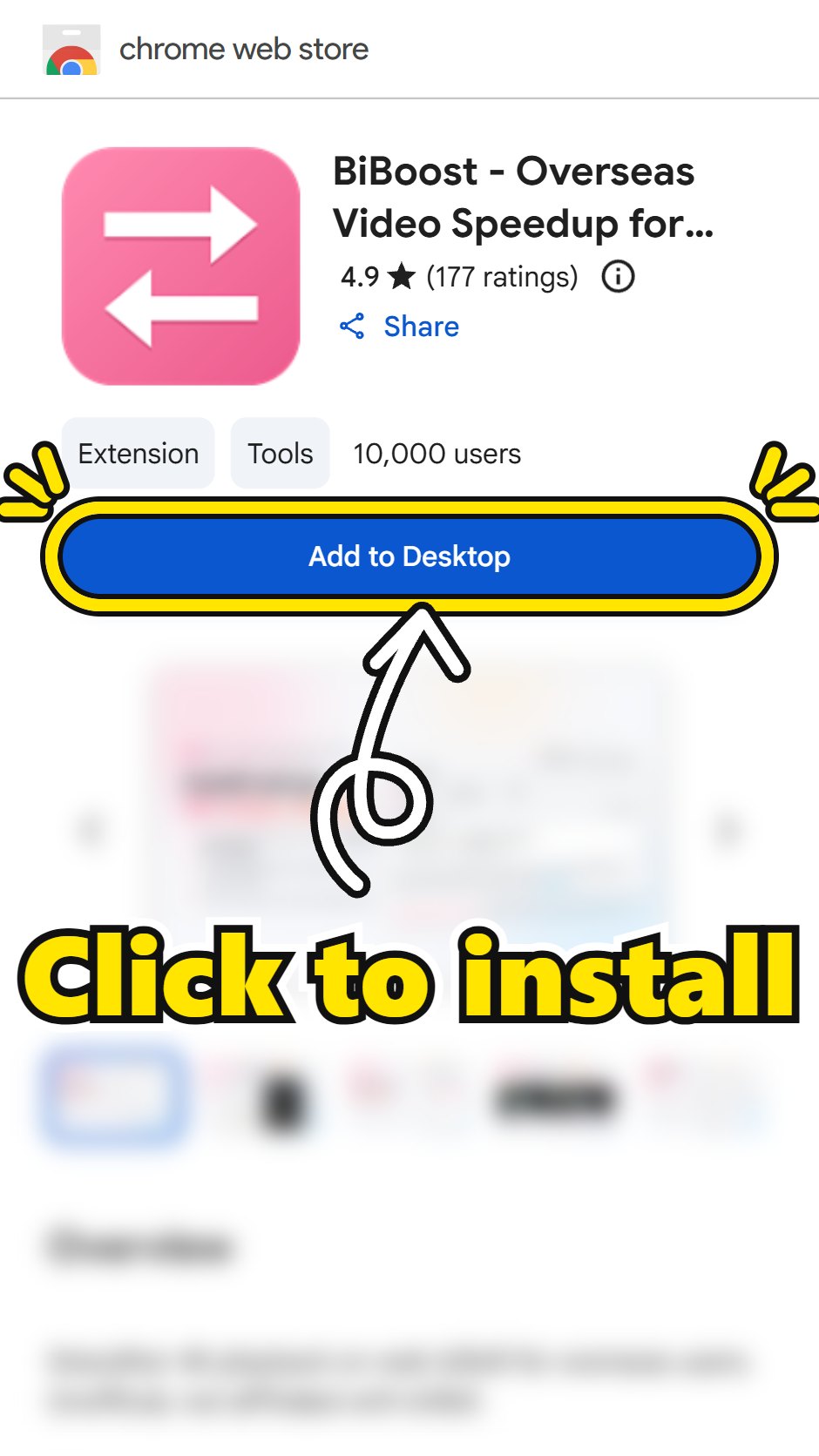
TL;DR: install this in your browser (if you've got a Tampermonkey/Violentmonkey script that does the same thing, remove it first)

Before and after

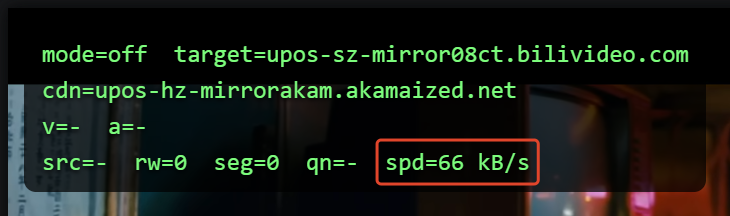
Before

Extension off: the video comes from the Akamai node Bilibili assigned (cdn=…akamaized.net) at 66 kB/s

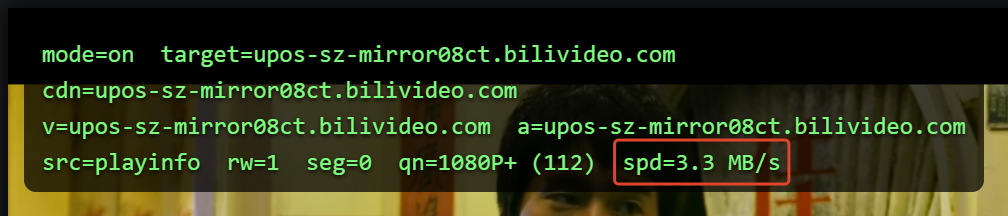
After

Extension on: the same video now comes from the 08ct node, 1080P+ at 3.3 MB/s

If you still want the details

Why DNS and VPN tricks are hit or miss

When Bilibili buffers outside China, the usual advice online is "use a VPN", "switch your DNS to 8.8.8.8" and so on. None of that is guaranteed to work.

The real reason is that Bilibili hands you a slow CDN node. All those tricks basically just raise your odds of landing a good node, they don't actually fix anything. That's why it's hit or miss: works for some people, does nothing for others.

If you want to know what a CDN actually is, I wrote a technical blog post about it: How to Actually Fix Bilibili Buffering for Good

The real fix: lock onto the fastest node

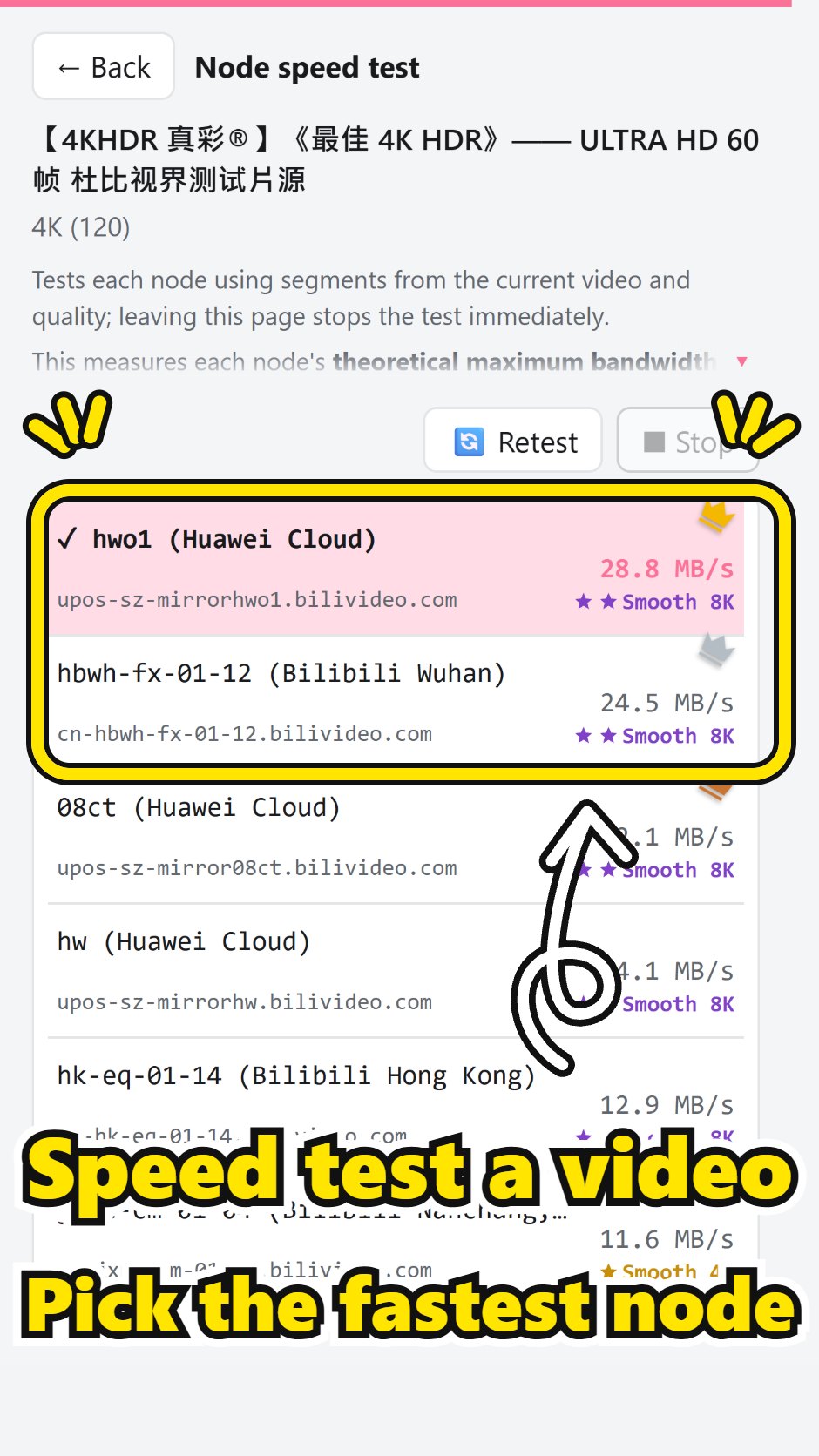
To really fix it, you need to know which node is the best one where you live, and then lock it in.

So I built this extension. If you mostly watch in a desktop browser, install the extension above and it forces videos onto the fastest node.

What about Android and TV?

On Android, skip the official app and use PiliNara, a third-party APK (way better, no ads)
https://github.com/Starfallan/PiliNara/releases

On a TV box or smart TV, skip the official TV app (it's straight-up trash) and use blbl
https://github.com/roge4444/blblRogerMod/releases

Same idea for all of them: these apps have a built-in speed test and let you lock the CDN node.


A few last words

This comes from 3+ years of stepping on every landmine myself. Not sponsored.

I built the extension for my own use, and it's free forever. Hope it helps whoever needs it. Feature requests or bug reports: leave a comment or DM me.

If it works for you, a 5-star review would mean a lot. Or drop a star on the GitHub repo:
https://github.com/a0972199950/bilibili-cdn-switcher?utm_source=lazy_cv&utm_medium=referral&utm_campaign=secret_setting_article&utm_content=en

留言(0)

還沒有人留言,來當第一個吧!

相關文章

同一支 4K 影片開啟擴充前後:開啟前緩衝中只有 9 KB/s,開啟後 8.8 MB/s
技術分享9 min

如何真正徹底解決 Bilibili 卡頓

海外看 B 站為什麼熱門片很順、冷門片卡死:CDN 快取與回源、最窄的那一段決定速度、換 DNS 和開 VPN 為什麼時靈時不靈,以及我的擴充怎麼用台灣 14 家網路業者的實測挑出預設節點。

繁體中文 / English

CDNSpeedTest 測速進行中的畫面
圖文教學5 min

Bilibili CDN 測速 — 參加教學

圖文教學:下載 CDNSpeedTest.exe,通過網路檢查後掃碼登入,自動測完並發送報告,協助擴充功能找出各國最快的 B 站節點。

繁體中文 / 简体中文 / English / 日本語 / 한국어

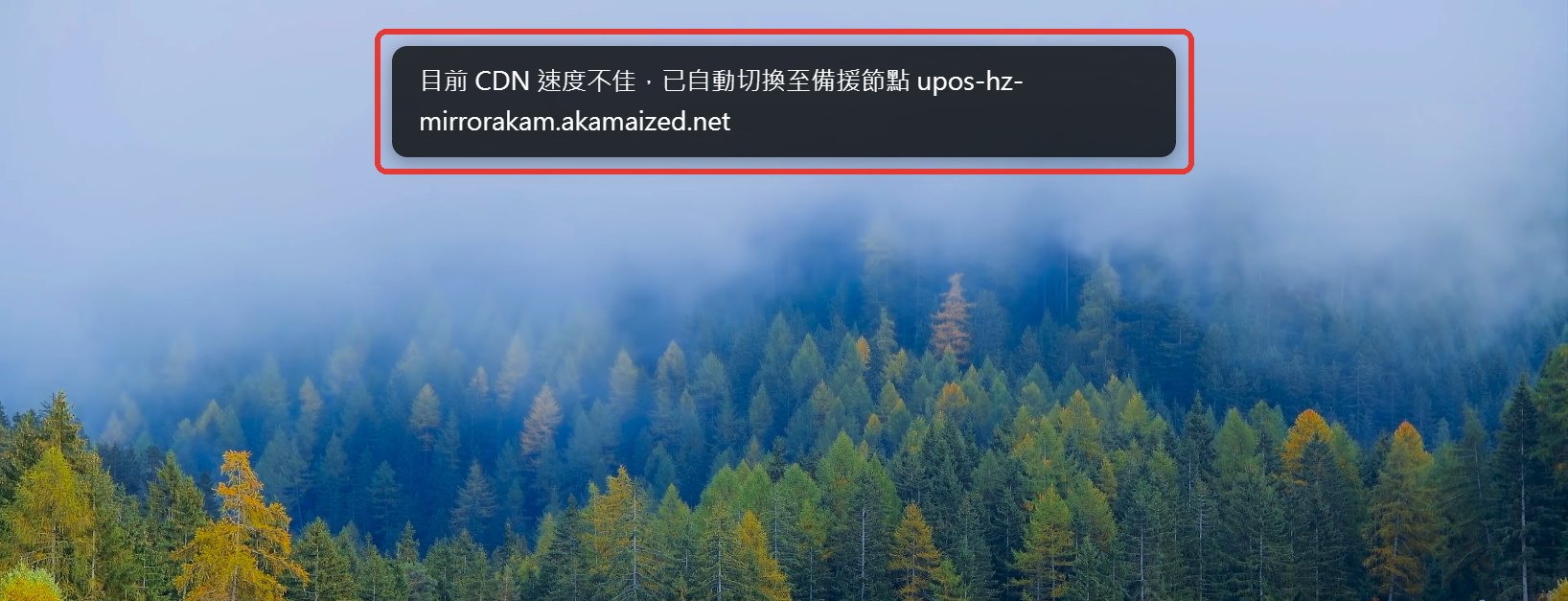
B 站播放器上方的提示:目前 CDN 速度不佳,已自動切換至備援節點
技術分享11 min

在 B 站擴充裡偵測 CDN 失敗並自動切換備援節點

擴充怎麼判斷 CDN 節點真的壞了:哪些狀態碼要排除、卡頓怎麼用 currentTime 與前方緩衝判斷、為什麼先靜默換一次備援、還不行才問使用者,以及怎麼避免在節點之間來回彈跳。直播的處理方式也一併說明。

繁體中文 / English

封面:Network 面板的網域從 upos-hz-mirrorakam.akamaized.net 換成 upos-sz-mirror08ct.bilivideo.com,下方是四個 hook 點:__playinfo__、playurl API、.m4s 分段請求、直播
技術分享10 min

在 Chrome 擴充的 MAIN world 用 hook 即時改寫 Bilibili 串流 CDN

B 站的播放網址會從 SSR 的 __playinfo__、playurl API、分段請求和直播 API 進來。這篇用 bilibili-cdn-switcher 的程式碼說明每條路怎麼攔、改了什麼,以及 Response 只能讀一次、XHR responseText 唯讀、測速要繞過自己的 hook 這些坑。

繁體中文 / English

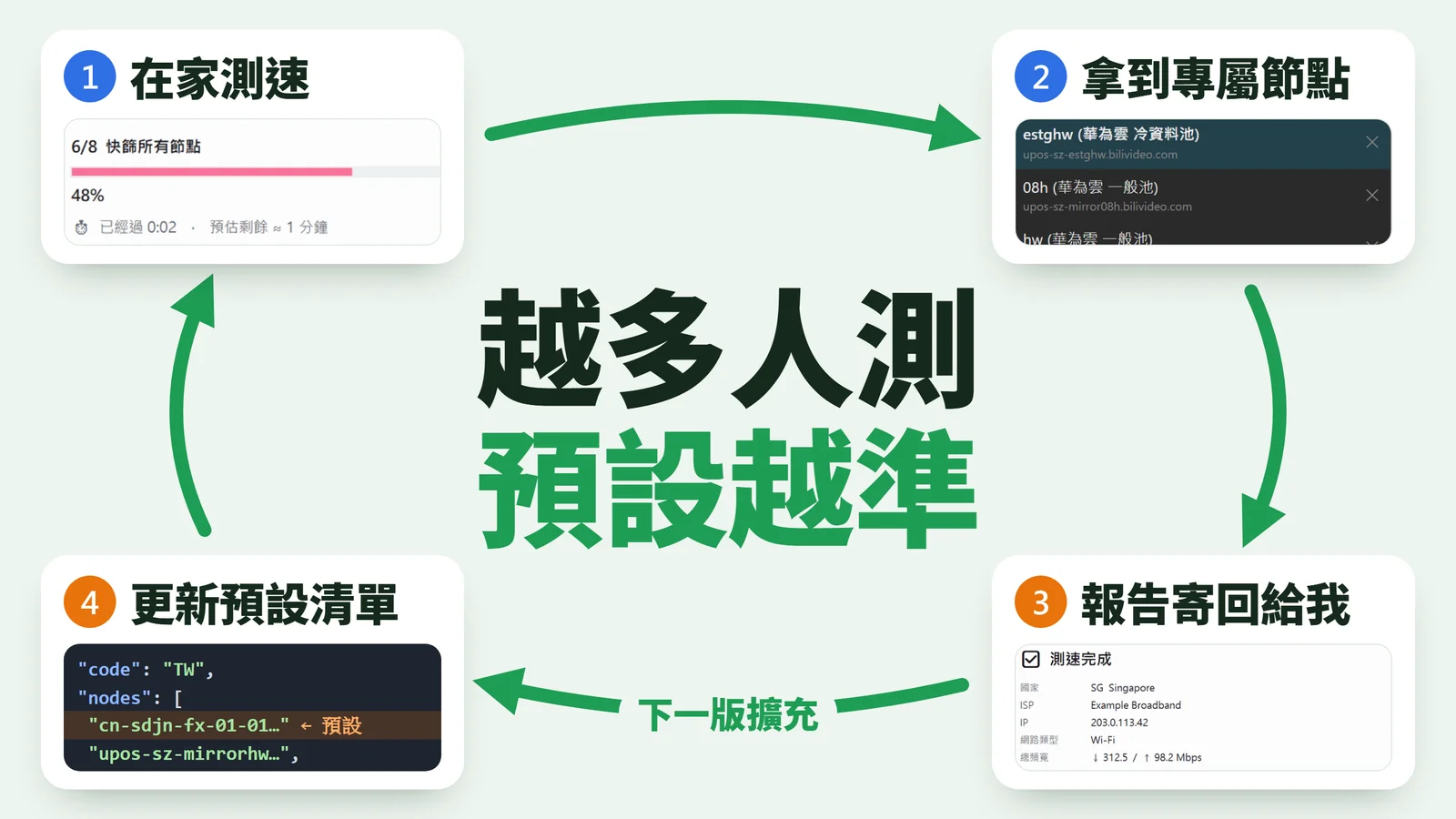
封面:越多人測,預設越準。循環四步:在家測速、拿到專屬節點、報告寄回給我、更新預設清單(cdn-list.json),再隨下一版擴充回到使用者
技術分享18 min

如何透過群眾測速自動迭代 B 站 CDN 選線品質

一支 Windows 測速程式怎麼在各地使用者家裡測 299 個 B 站節點、用分層影片和三段漏斗挑出最穩的 10 個當場寫進擴充,再把報告送回開發者,依業者市占加權改進各國預設節點,並照分析結果去補缺樣本的業者。

繁體中文 / English

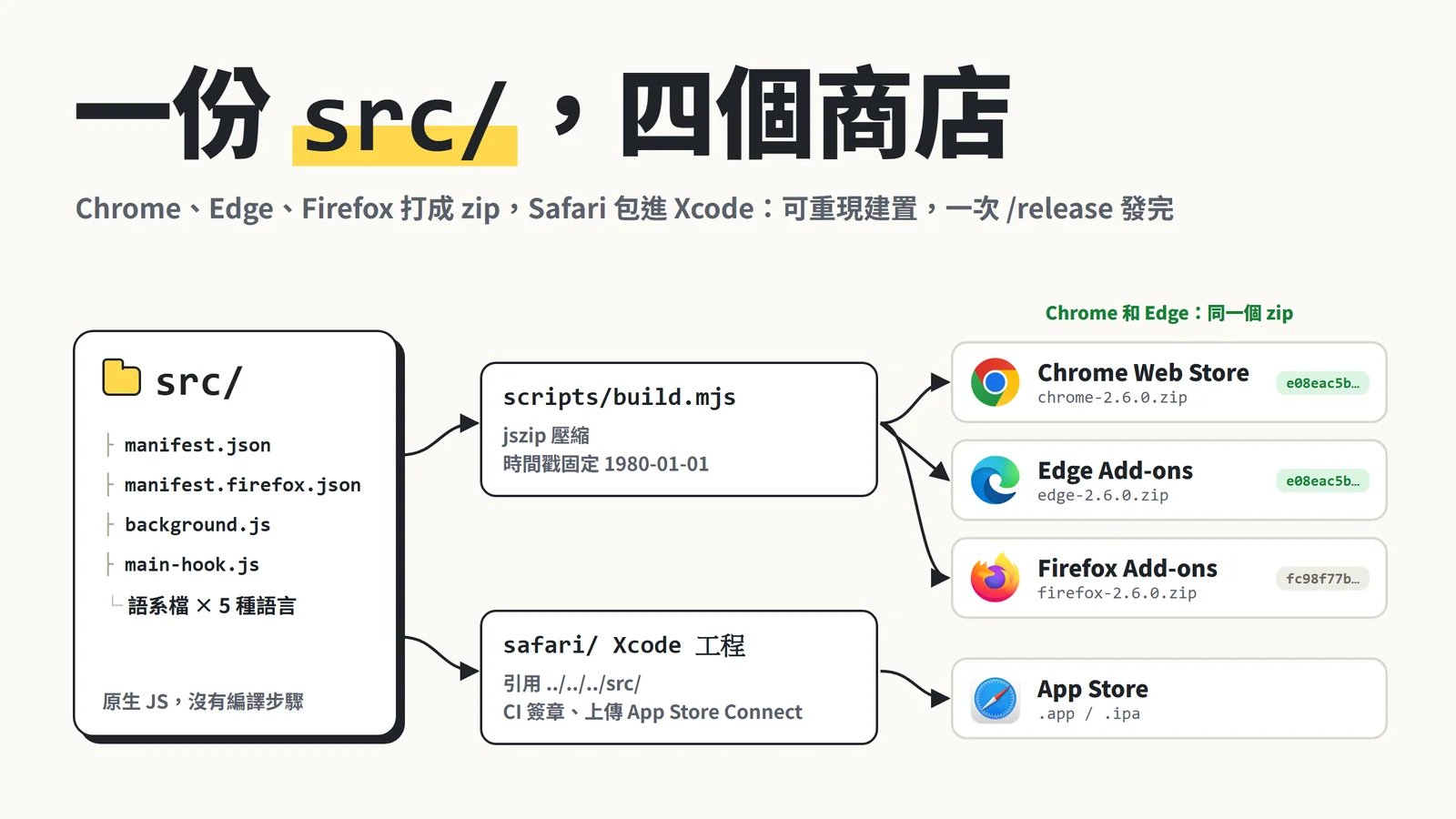
封面:一份 src/ 經 build.mjs 打成 Chrome、Edge、Firefox 三個 zip(Chrome 和 Edge 是同一個 sha256),Safari 經 Xcode 工程上傳 App Store
技術分享16 min

在 B 站擴充裡用一份原始碼發佈到 Chrome、Edge、Firefox、Safari 四個商店

同一份 src/ 怎麼打包成四個商店的產物、為什麼 zip 要可重現(附實測 sha256 與換行踩坑)、5 語更新內容與 pre-push 卡點,以及一次 /release 哪些交給腳本、哪些一定自己來。

繁體中文 / English

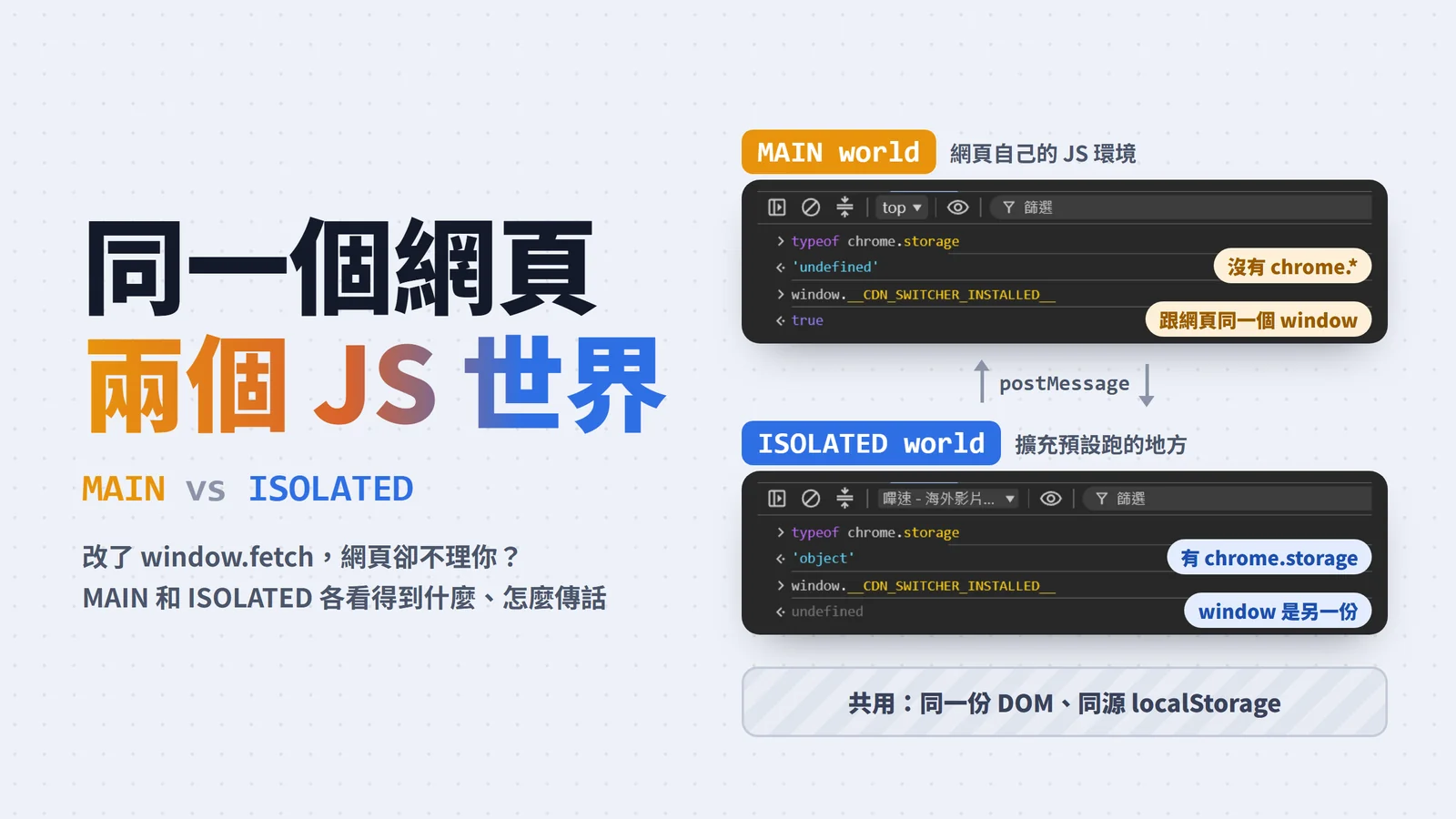
封面:同一個網頁兩個 JS 世界。MAIN world 的 console 裡 typeof chrome.storage 是 undefined,ISOLATED world 是 object,兩邊共用 DOM 與 localStorage、用 postMessage 傳話
技術分享11 min

Chrome extension: MAIN world 與 ISOLATED world 的基本概念

content script 改了 window.fetch 網頁卻不理你?說明 MAIN 與 ISOLATED world 各自看得到什麼、三種指定 world 的方式與版本、什麼時候該拆成兩支腳本、兩邊怎麼用 localStorage 與 postMessage 傳話,以及 postMessage 要擋哪些偽造訊息。

繁體中文 / English